PointClair Sprite Studio
A downloadable tool
Create pixel art from scratch — or bring your own sprites in.
PointClair Sprite Studio is an offline pixel art and sprite animation editor made for people who want to create, edit, animate and export pixel art in a simple workflow.
Start from a blank canvas to build a sprite from nothing, or import your own PNGs and spritesheets to continue working on existing art.
Then animate frame by frame, organize layers, manage palettes, save your editable project locally, and export game-ready files when you are done.
No account. No subscription. No internet required.
What you can do
- Create pixel art from scratch
- Import your own PNG files
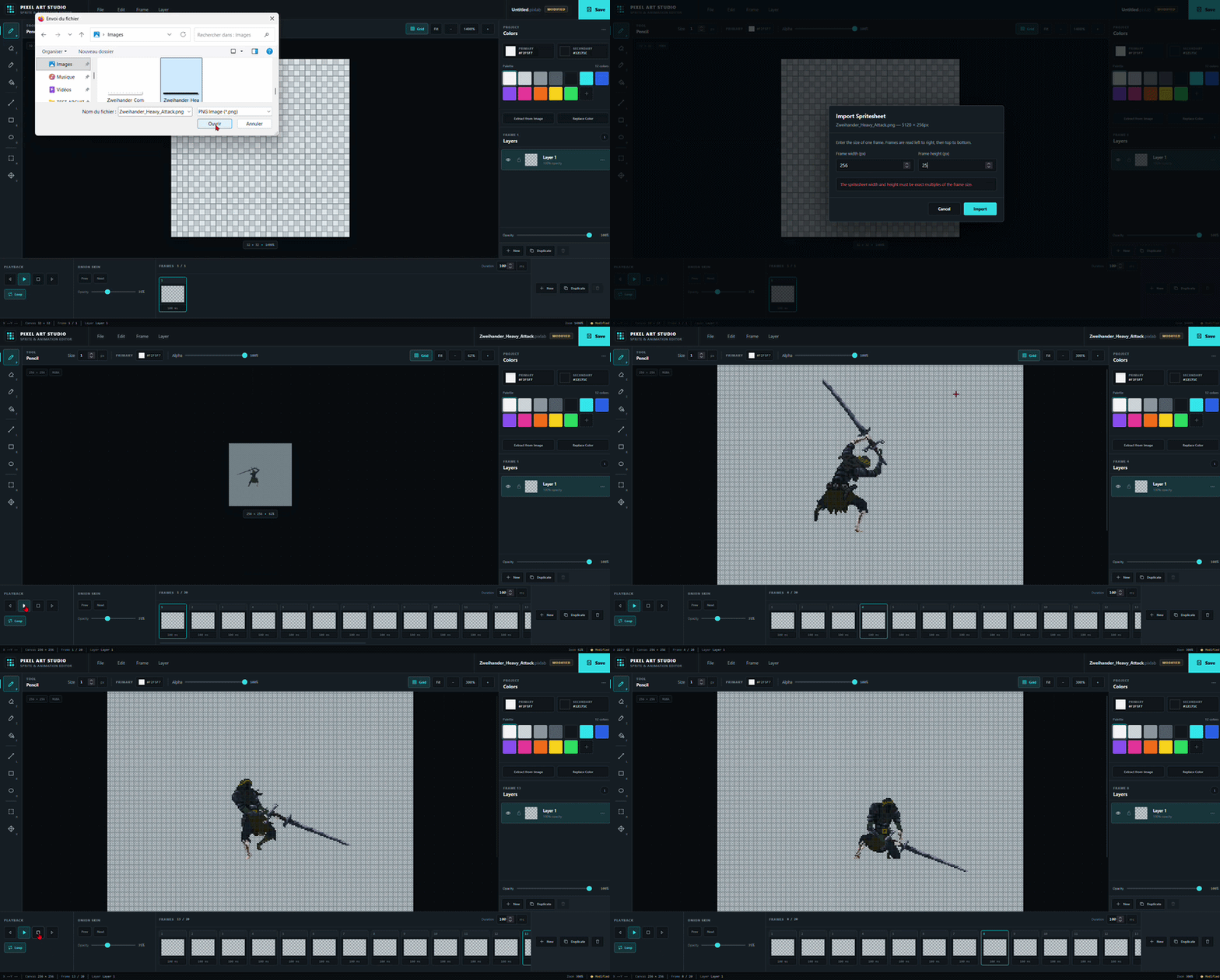
- Import regular-grid spritesheets
- Edit sprites frame by frame
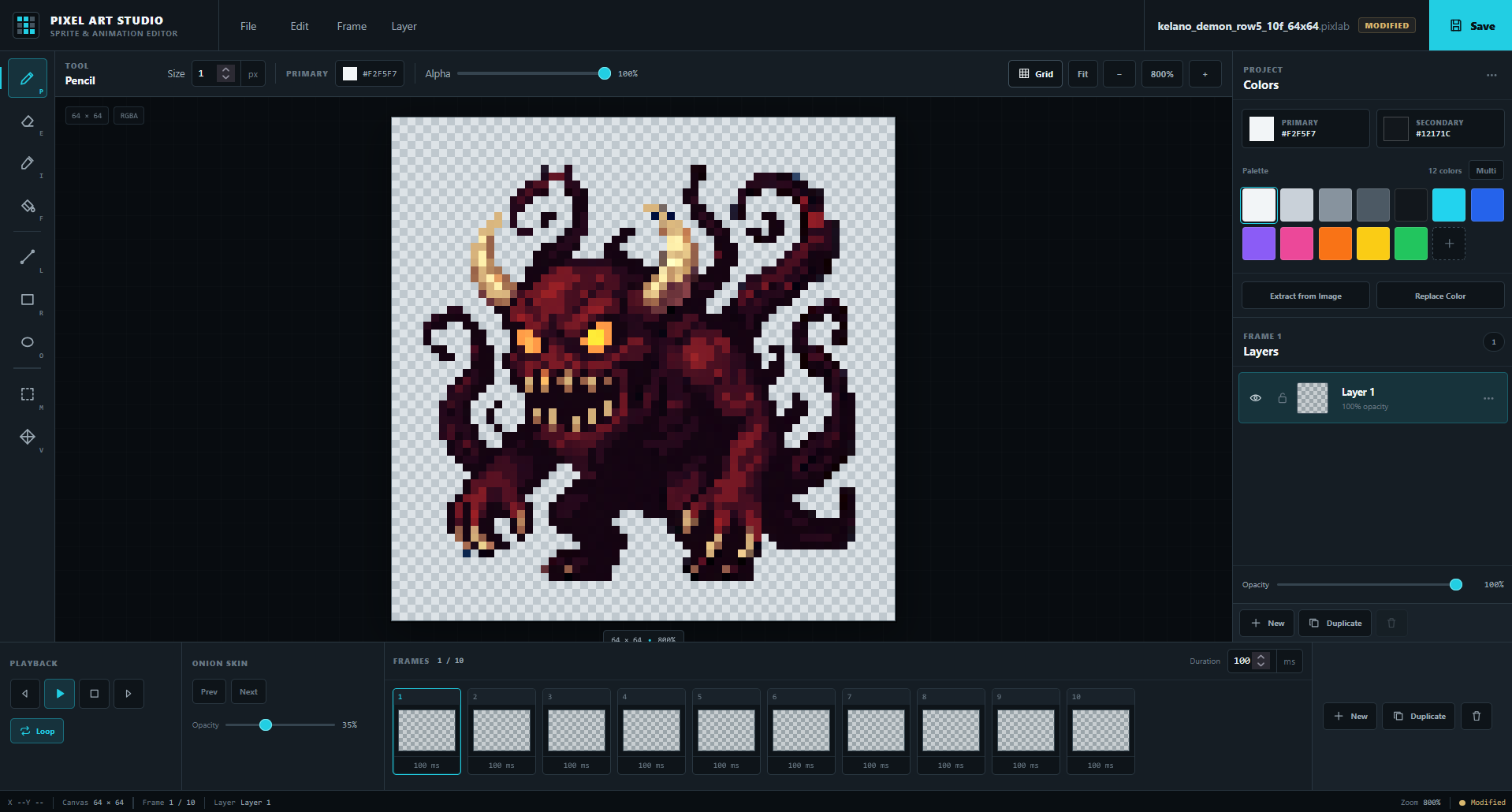
- Work with layers, selections and transformations
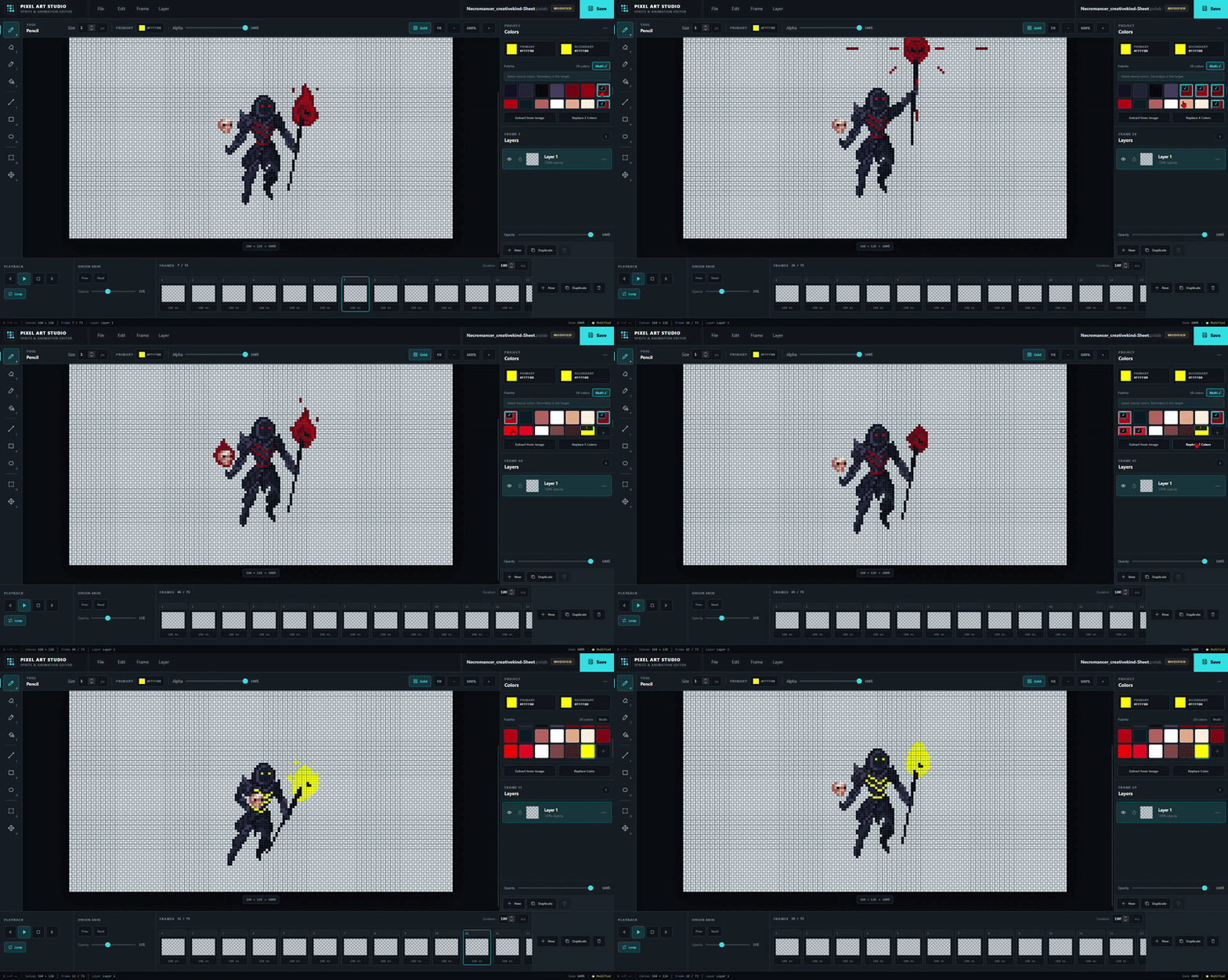
- Use palette tools, extraction and color replacement
- Preview animations with playback and onion skin
- Save editable
.pixlabprojects - Export PNG, spritesheet PNG and frame JSON
Built for sprite creation and animation
PointClair Sprite Studio is not just a viewer for spritesheets.
It is a focused local studio for:
- drawing sprites from nothing,
- refining imported artwork,
- building animations,
- and exporting files that are ready to use in a game workflow.
Core features
Drawing
Pencil, Eraser, Eyedropper, Fill, Line, Rectangle and Ellipse, with adjustable brush size and alpha.
Selection & transforms
Rectangular selection, move, cut, copy, paste, delete, flip and rotate.
Layers
Create, duplicate, rename, reorder, hide, lock and adjust layer opacity.
Animation
Multiple frames, frame durations, playback, loop and onion skin.
Palette tools
Add, edit and delete swatches, extract colors from an image, replace one color or multiple colors across the project.
Import / Export
Import PNGs and spritesheets. Export the current frame as PNG, a full horizontal spritesheet as PNG, and frame timing/data as JSON.
Project files
Save and reopen full editable projects with the .pixlab format.
Quick start
- Download the ZIP
- Extract it completely
- Open
index.html
A quick-start README and a keyboard shortcuts glossary are included.
Current V1
This first release focuses on the essential workflow for creating and animating pixel art sprites locally.
GIF export is not included in V1.
Animations can be exported as PNG spritesheets + JSON.
Feedback
Comments are open.
If there is something that would genuinely improve your workflow, let me know — future updates will be guided by real usage and feedback.
Promotional Asset Credits
Sprites shown in the screenshots and GIFs are used for demonstration only and are not included with the download.
- Zweihander Combat — Volva Studio
- Necromancer — CreativeKind
- Demon 64x64 — Kelano Studio
Purchase
In order to download this tool you must purchase it at or above the minimum price of $2.99 USD. You will get access to the following files:
Leave a comment
Log in with itch.io to leave a comment.