TD Combat Simulator
Stop guessing how your Tower Defense will behave. Run the fight.
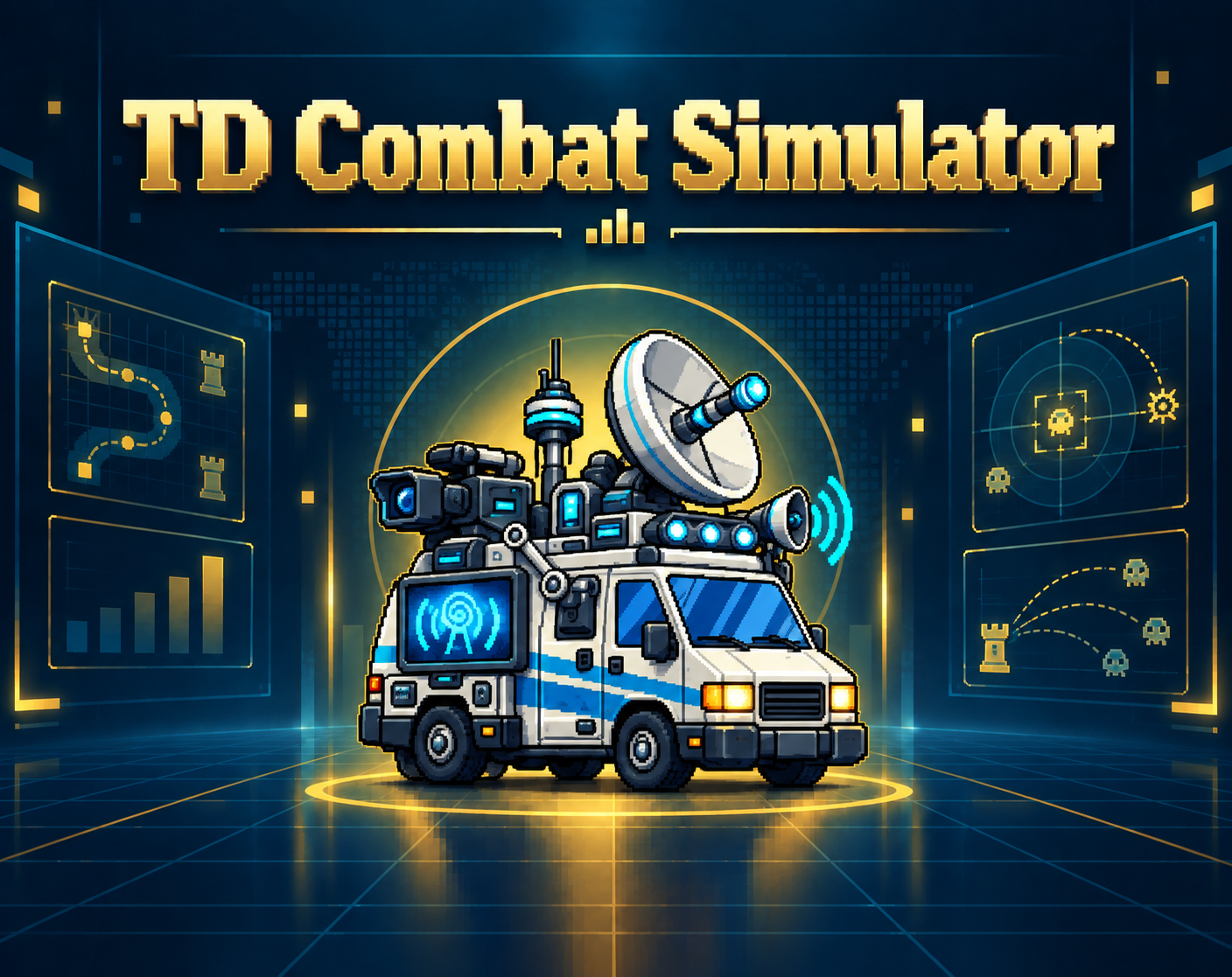
TD Combat Simulator is a standalone Tower Defense simulation tool built to test what actually happens when towers, enemies, waves and real level geometry meet.
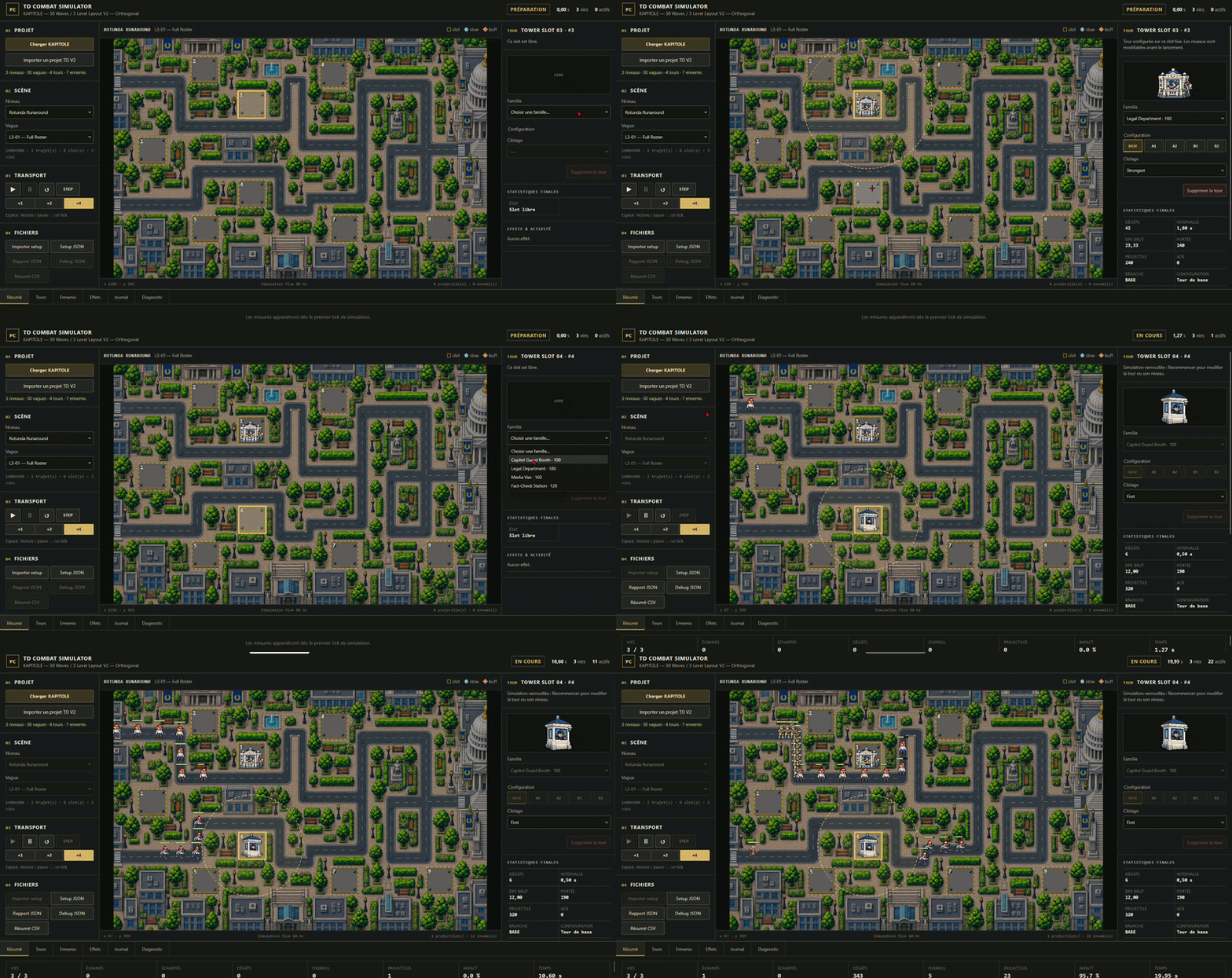
Place towers on predefined slots, configure their upgrades and targeting, launch a wave, and watch the simulation play out in real time.
Damage, range, projectile travel, targeting, AOE, slows, support effects, enemy movement and leaks are all resolved by the simulator — with live telemetry and exportable results.
Built while creating a complete Tower Defense
TD Combat Simulator is part of the PointClair TD Toolkit, a collection of standalone tools we are building while creating our own complete Tower Defense game, KAPITOLE.
The idea is simple:
we are not designing disconnected prototypes.
Each tool produces real data that is reused by the next part of the pipeline, and KAPITOLE acts as the real-world project used to test the entire workflow.
When KAPITOLE is ready, the complete game will also be released.
TD Combat Simulator is the point where many of those systems finally meet on screen.
TD Stat Lab defines towers, enemies, upgrades, combat statistics and effects.
TD Wave Forge defines what enemies arrive, when they spawn and in what quantities.
TD Path & Placement Lab defines maps, paths, entrances, exits and tower placement zones.
TD Combat Simulator takes those systems and answers the next question:
What actually happens when this defense fights this wave on this map?
What you can do
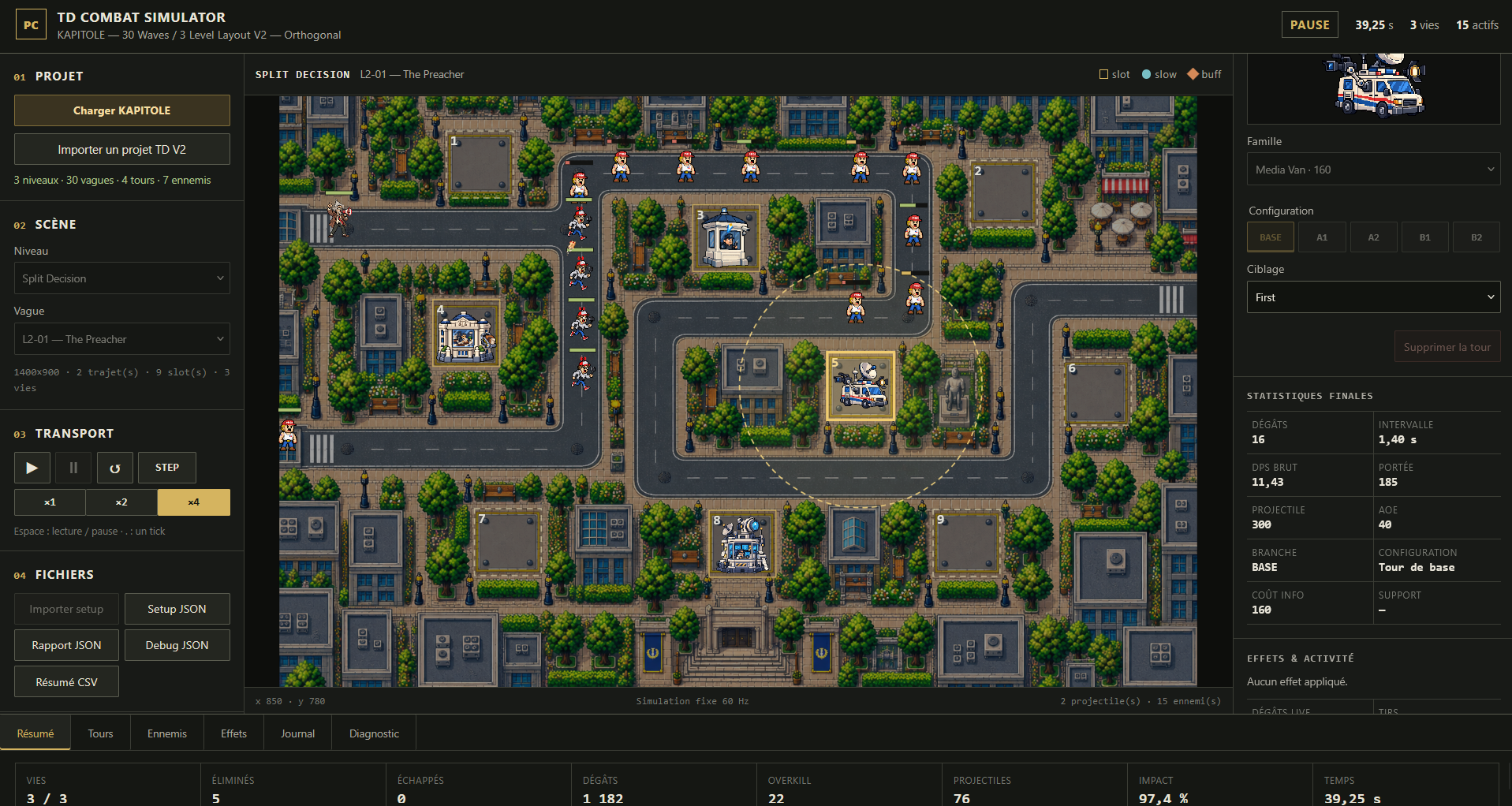
- Load the included KAPITOLE test project or import a compatible PointClair TD Project V2.
- Select levels and waves.
- Place towers on predefined build slots.
- Switch between BASE and upgrade configurations.
- Change tower targeting priorities.
- Run, pause, restart or step through simulations.
- Accelerate the simulation at x1, x2 or x4 speed.
- Simulate projectile travel and impact.
- Test single-target and AOE attacks.
- Test slow and support effects.
- Observe enemies following real paths through the level.
- Track kills, leaks, damage, projectiles, overkill and other combat telemetry.
- Inspect tower, enemy, effect, journal and diagnostic data.
- Export setup data, combat reports, debug logs and CSV summaries.
Not a full balancing tool
TD Combat Simulator does not try to tell you whether your game is automatically “balanced” or “fun.”
Its job is narrower and more useful:
simulate the combat accurately and show you what happened.
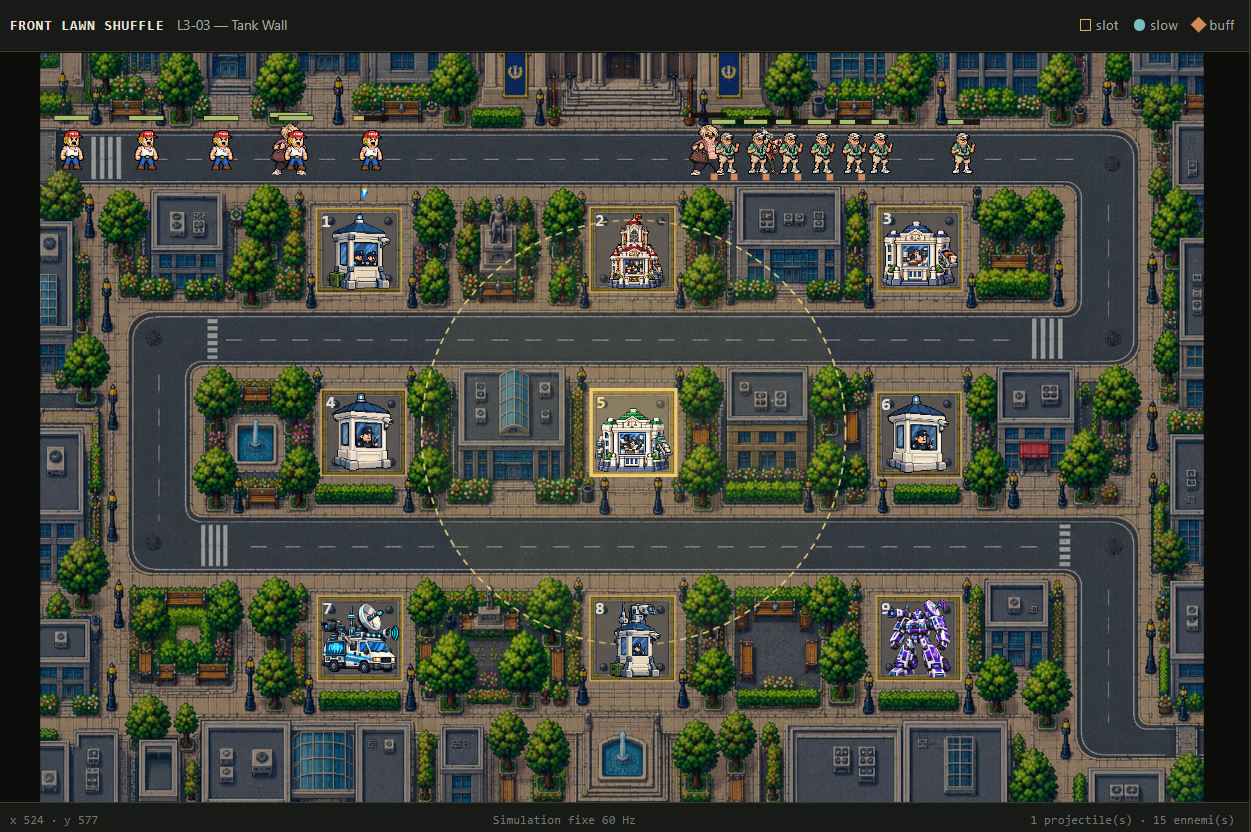
If four towers destroy a wave, the simulator reports that result.
Whether those four towers are affordable at that point in the game, whether the wave should be stronger, or whether the tower prices should change belongs to the broader balancing process.
That cross-system analysis is part of the next stage of the PointClair TD Toolkit.
Use it with the toolkit — or on its own
TD Combat Simulator was designed to work naturally with the other PointClair TD tools, but it is not locked behind them.
You can use the included KAPITOLE project immediately to explore the simulator, place towers, change configurations and run real combat simulations.
If you are using the complete PointClair workflow, projects created with:
can progressively feed the same PointClair TD Project format used by the simulator.
You can also import a compatible PointClair TD Project V2 containing your own towers, enemies, waves, maps, paths and placement zones.
So you can use TD Combat Simulator as part of the full toolkit workflow — or simply as a standalone combat testing environment.
No account, engine installation or external runtime is required.
KAPITOLE as a real test project
The included project is not a fake promotional mock-up.
KAPITOLE is the Tower Defense we are actively building with the same tools available in this toolkit.
Its maps, waves, towers, enemies, upgrades and combat configurations are used to test interoperability between the tools and expose problems that would be difficult to detect with isolated demos.
The goal is simple:
don’t just claim that the toolkit works — build an actual game with it.
As development continues, the tools and KAPITOLE will keep informing each other.
When the game is ready, KAPITOLE will also be released.
Part of the PointClair TD Toolkit
The current workflow includes:
1. TD Stat Lab
Create and analyze towers, enemies, upgrades and combat stats.
View TD Stat Lab
2. TD Wave Forge
Build enemy groups, spawn timings and complete wave sequences.
View TD Wave Forge
3. TD Path & Placement Lab
Create levels, paths, entrances, exits and buildable zones on real maps.
View TD Path & Placement Lab
4. TD Combat Simulator
Bring those systems together and run the fight.
More tools will follow as KAPITOLE moves toward a complete playable Tower Defense.
Local and simple to run
TD Combat Simulator runs locally in your browser.
No installation.
No account.
No server setup.
No Node.js.
Extract the ZIP and open index.html.
Feedback
This project will continue evolving alongside KAPITOLE and the rest of the PointClair TD Toolkit.
If something slows down your workflow or there is a feature you would genuinely use, let me know.
Purchase
In order to download this tool you must purchase it at or above the minimum price of $1.99 USD. You will get access to the following files:
Leave a comment
Log in with itch.io to leave a comment.